Copilot
Why Most Teams Aren’t Using Copilot Properly (and what to do about it)
Get more out of Copilot features

Get more out of Copilot features
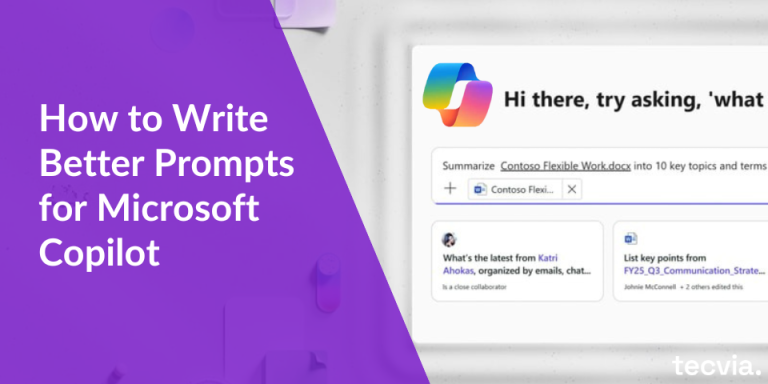
Microsoft Copilot inside Business Central can save you hours each week. But only if you know how to use it properly. The quality of Copilot’s output depends entirely on the quality of your prompts. Vague
Artificial intelligence is becoming part of everyday work. Microsoft Copilot is one of the main tools helping businesses use AI in a simple and safe way. One of the most important parts of Copilot is

Here are 10 practical ways to use Copilot effectively, with detailed guidance to help you master each one.

Why Microsoft users should choose Copilot as their AI tool of choice in business,

Increasingly, people are turning to AI to assist them in their day-to-day tasks. Microsoft Dynamics 365 Business Central stands at the forefront, supporting over 30,000 small and medium-sized enterprises (SMEs) to thrive. With next-generation AI,

Microsoft has just revealed a game-changing innovation, a smart set of tools designed to make business tasks easier and faster.

Microsoft Dynamics 365 Business Central is already a powerful tool for managing your business data, offering a range of features to help you keep track of important information. However, with the introduction of the new

Bank reconciliation can often feel like a complex puzzle—matching numerous transactions and sorting out discrepancies can be both time-consuming and tedious. Thankfully, Microsoft CoPilot, integrated into Dynamics 365 Business Central, is here to make this

As your business grows, so does your product catalog. Overtime, navigating through large lists and manually creating sales orders can take up a lot of your sales team’s valuable time. Enter Microsoft CoPilot AI, integrated