Dynamics 365 Sales

Close deals faster and improve team productivity with a trusted CRM solution from Microsoft

Is Your Sales Process Slowing You Down?

Customer data sits in spreadsheets and email threads. Your pipeline is unclear. Forecasts are based on gut feel rather than real data. That costs you time and revenue. 

Dynamics 365 Sales fixes this. It organises your customer data, automates repetitive tasks, and uses AI to help your team focus on the right deals at the right time. 

We are Tecvia, a certified Microsoft partner based in Manchester. We implement Dynamics 365 Sales for UK businesses of all sizes. 

Dynamics 365 Sales works as a standalone CRM. You do not need Business Central or any other Microsoft product to use it. If you already have an ERP, we can connect the two. If you do not, Dynamics 365 Sales runs independently from day one.

sales

What Dynamics 365 Sales Does for Your Team

Microsoft’s CRM solution gives you the tools to manage your entire sales process from one platform. 

Complete Customer Visibility

See everything about each customer in one place. Contact details, communication history, opportunities, quotes, and orders all live in a single system.

Your team stops searching through emails and spreadsheets. They get the context they need to have better conversations.

Work Inside the Tools You Already Use

The system works directly inside Outlook and Teams. Your reps do not need to switch between applications.

Emails and meetings link automatically to customer records. No manual logging required. LinkedIn Sales Navigator integration shows profile data without leaving the CRM.

Mobile Access for Field Sales

Your team can access customer data and update records from their phones. The mobile app works offline and syncs automatically when they reconnect.

That makes it a practical tool for reps who visit customer sites regularly.

AI That Helps Your Team Sell Smarter

Dynamics 365 Sales includes AI features that remove the guesswork from your sales process. 

Focus on the Right Leads

The system scores leads automatically based on historical data and buying signals. Your team knows who to contact first.

AI also highlights deals that may be at risk, so you can take action before they fall through.

Get Prepared for Every Conversation

The system generates meeting preparation notes before customer calls. It pulls together account status, recent activity, and past interactions.

Conversation intelligence transcribes calls and Teams meetings. It identifies customer priorities and provides real-time tips during conversations.

Automate the Busy Work

AI drafts emails by pulling data from your CRM. It writes meeting summaries automatically.

Your reps spend less time on admin and more time selling.

Sales Accelerator: Sales Accelerator: Keep Your Pipeline Moving

The Sales Accelerator feature combines data, prioritisation, and automation to streamline your sales outreach. 

Prioritised work lists
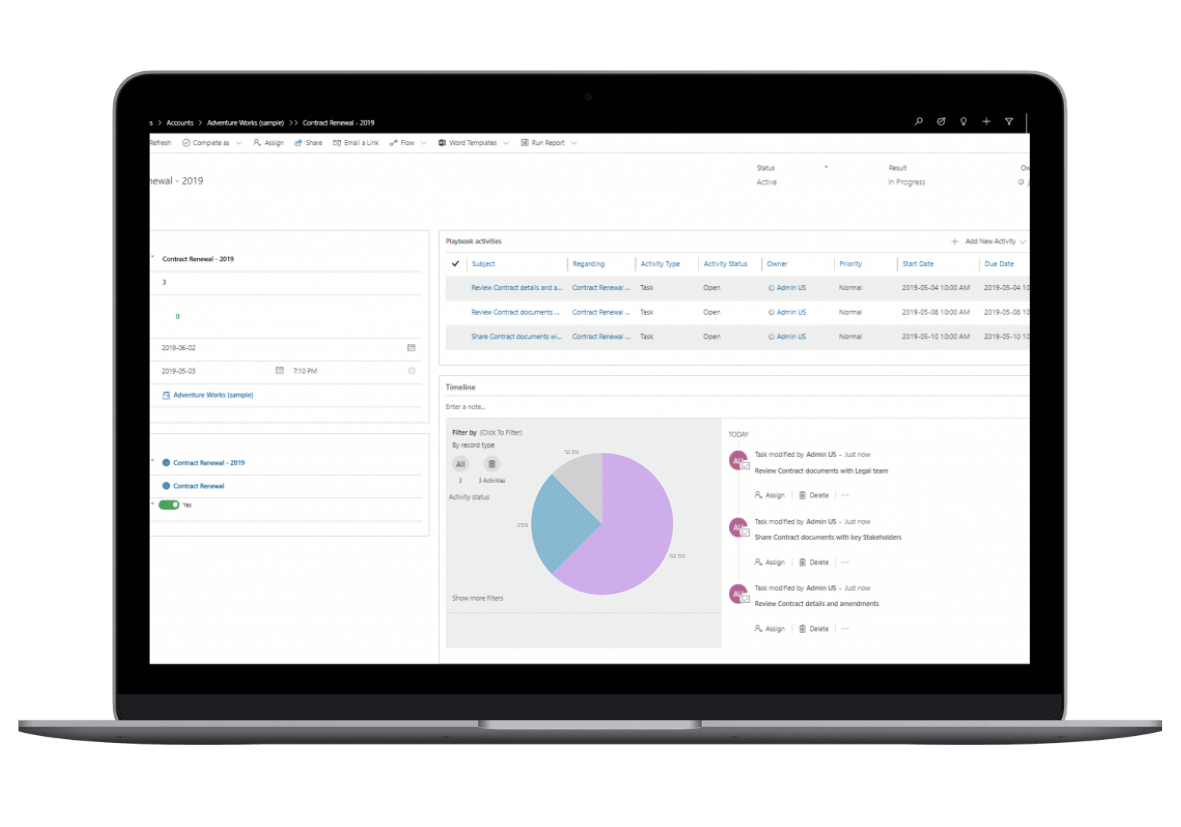
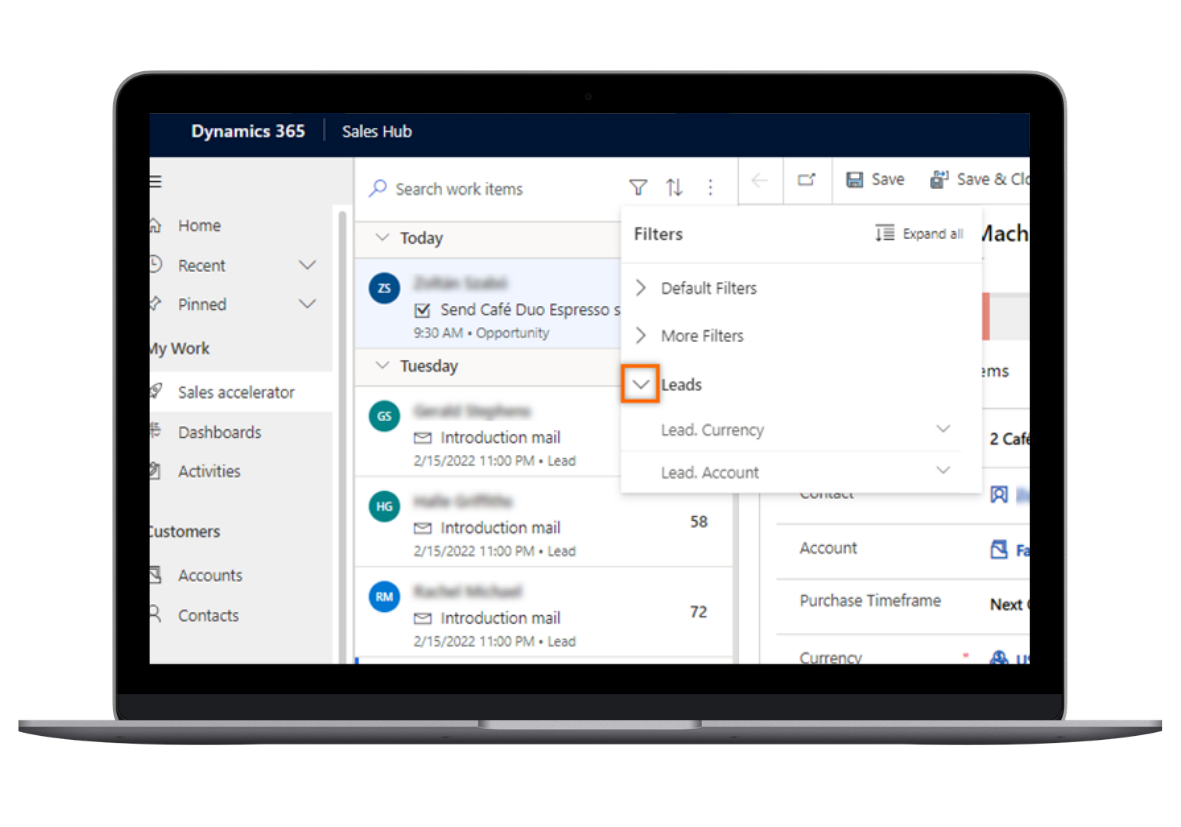
The system builds a priority pipeline based on lead scores, engagement history, and likelihood to close. Your team always knows what to work on next, without having to decide for themselves.

Guided selling with playbooks

Create pre-defined playbooks that guide reps through your sales process. Include call scripts, email templates, and next-step recommendations. New team members get up to speed faster. Your best practices become standard across the team.

Automated sequences

Set up follow-up sequences that nurture leads over time. The system sends emails, creates tasks, and schedules calls based on your rules. No lead goes quiet because someone forgot to follow up.

Clear Visibility Into Your Pipeline

Stop relying on spreadsheets for forecasting. 

Real-time Dashboards

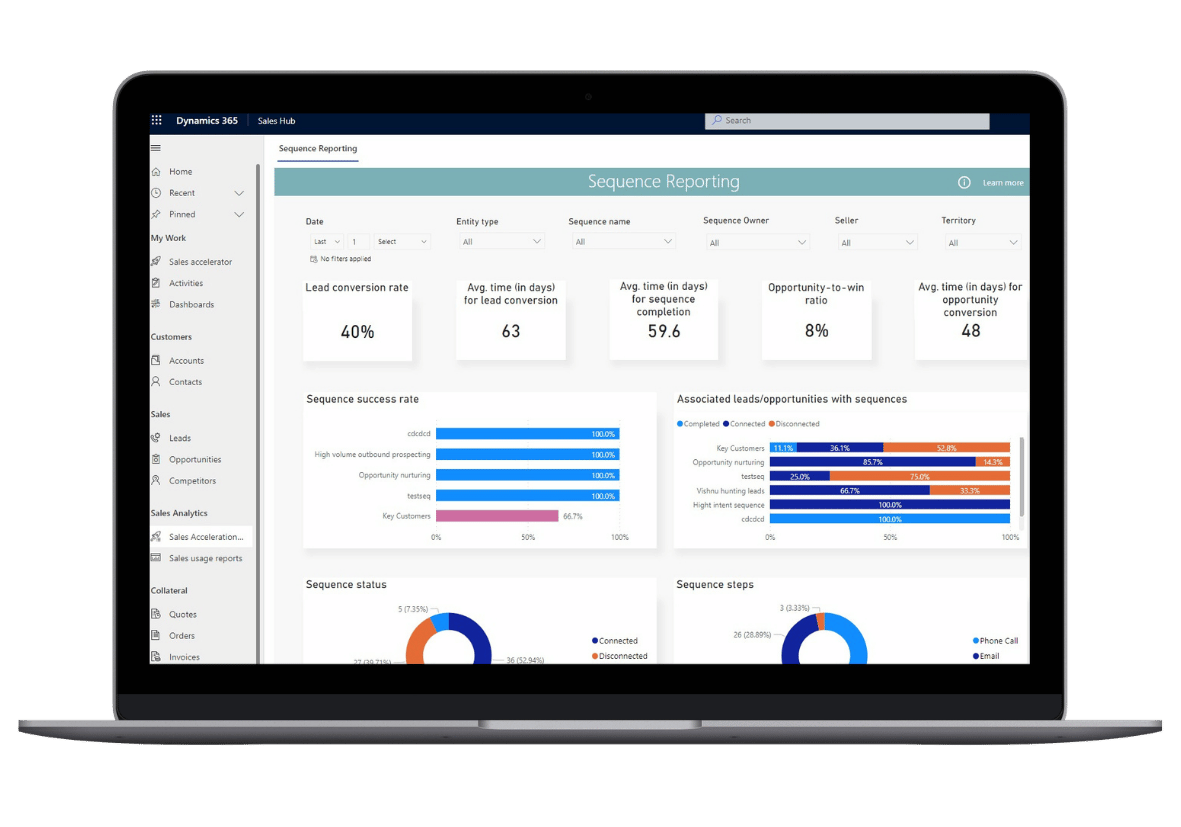
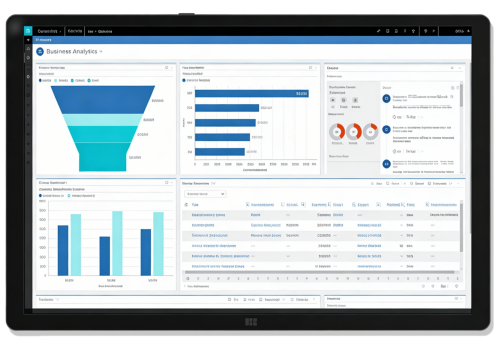
Interactive dashboards show your pipeline, win rates, and team performance. Filter by rep, territory, or product line. Everyone works from the same data.

Accurate Forecasting

Build forecasts based on your actual pipeline. Track changes over time and adjust your strategy as deals progress. Export forecasts to Excel for further analysis when needed.

Performance Tracking

Monitor individual and team performance against targets. Identify where coaching is needed. Spot what your best performers do differently and replicate it.

Integration With Your Business Systems

Dynamics 365 Sales connects to the tools you already use. 

Microsoft Ecosystem

Dynamics 365 Sales is built to work inside the Microsoft tools your team uses every day. Emails sent and received in Outlook link automatically to customer records. Meetings booked in Teams attach to the relevant opportunity. Documents stored in SharePoint are accessible directly from the CRM. .

Power BI connects natively, turning your sales data into visual dashboards without manual exports. Excel integration means your team can work with pipeline data in a familiar format and push updates back into the system. Everything stays in sync across every application.
Power Automate


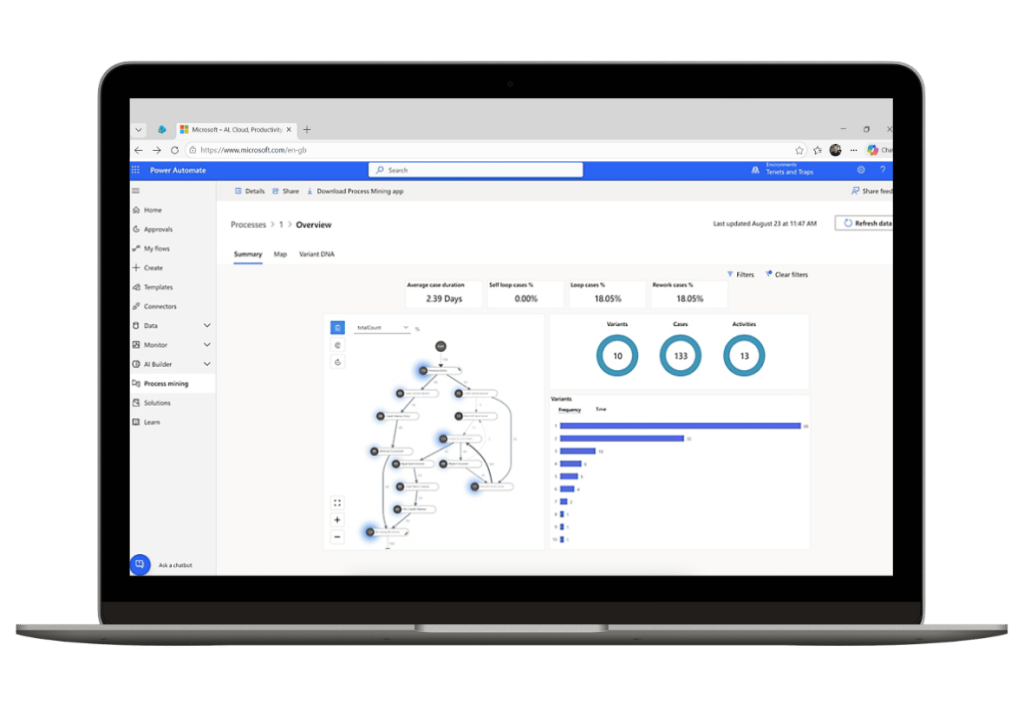
Power Automate lets you build workflows that connect Dynamics 365 Sales to the rest of your business. You don't need a developer to set them up.

Common examples include automatic task creation when a lead reaches a certain score, approval requests sent to a manager when a discount exceeds a threshold, and notifications pushed to a Teams channel when a deal is marked as won.

You can also trigger actions in external systems, such as creating a customer record in your accounting software the moment a contract is signed.
Third-party Connections


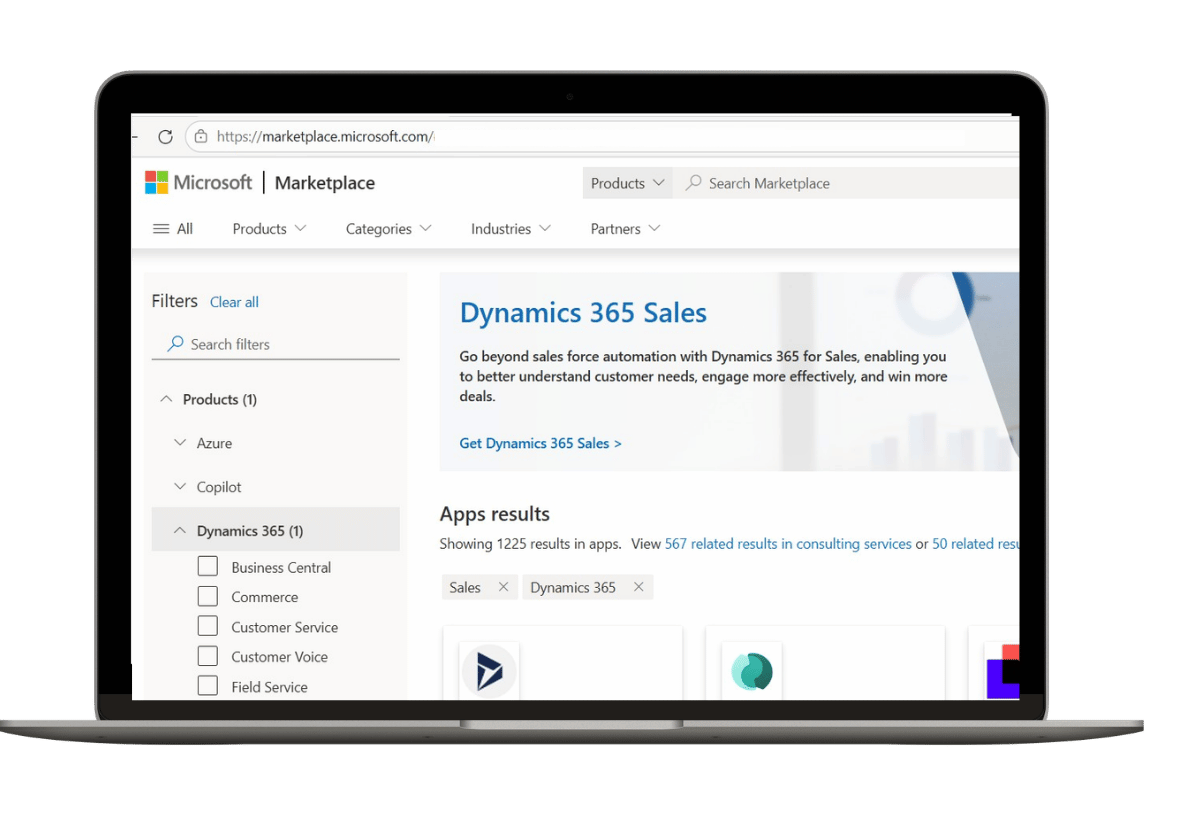
Dynamics 365 Sales connects to a wide range of external tools through pre-built connectors and custom APIs. Common integrations include:

Marketing automation platforms such as Click and Mailchimp Accounting software including Xero, Sage, and QuickBooks ERP systems including Dynamics 365 Business Central and SAP LinkedIn Sales Navigator for prospect intelligence inside the CRM E-commerce platforms for customer order history alongside sales activity
Which Edition Is Right for You?

Sales Professional

Starting from approximately £50 per user per month. Best for small to mid-sized teams that need core CRM features such as lead management, opportunity tracking, and basic reporting.

Sales Enterprise

Starting from approximately £80 per user per month. Adds advanced customisation, detailed forecasting, and limited AI features. A good fit for growing businesses with more complex sales processes

Sales Premium

Contact us for pricing. Includes the full AI capability set: conversation intelligence, relationship insights, and the complete Sales Accelerator. Built for high-performing sales teams that need every available advantage.

Dynamics 365 Sales Pricing

 Sales ProfessionalSales EnterpriseSales Premium
Price (per user/month)From ~£50From ~£80Contact us
Lead & opportunity managementYesYesYes
Basic reporting & dashboardsYesYesYes
Advanced customisationLimitedYesYes
Detailed forecastingNoYesYes
AI lead scoring & insightsNoLimitedFull
Conversation intelligenceNoNoYes
Sales AcceleratorNoNoFull
Best forSmall to mid-sized teams needing a core CRMGrowing businesses with complex sales processesHigh-performing teams that need the full AI toolkit

Why Tecvia as Your Trusted Dynamics 365 Business Central Partner?

Buying the software is straightforward. Getting value from it takes proper implementation. 

Microsoft expertise.

We are certified Microsoft partners with extensive experience delivering Dynamics 365 solutions across the UK.

UK focus.

We understand UK business processes, compliance requirements, and the practical realities of running a sales team here.

End-to-end service.

We manage your project from planning through training and into ongoing support. 

Practical approach.

We configure systems your team will actually use. No unnecessary complexity, no bloated scope.

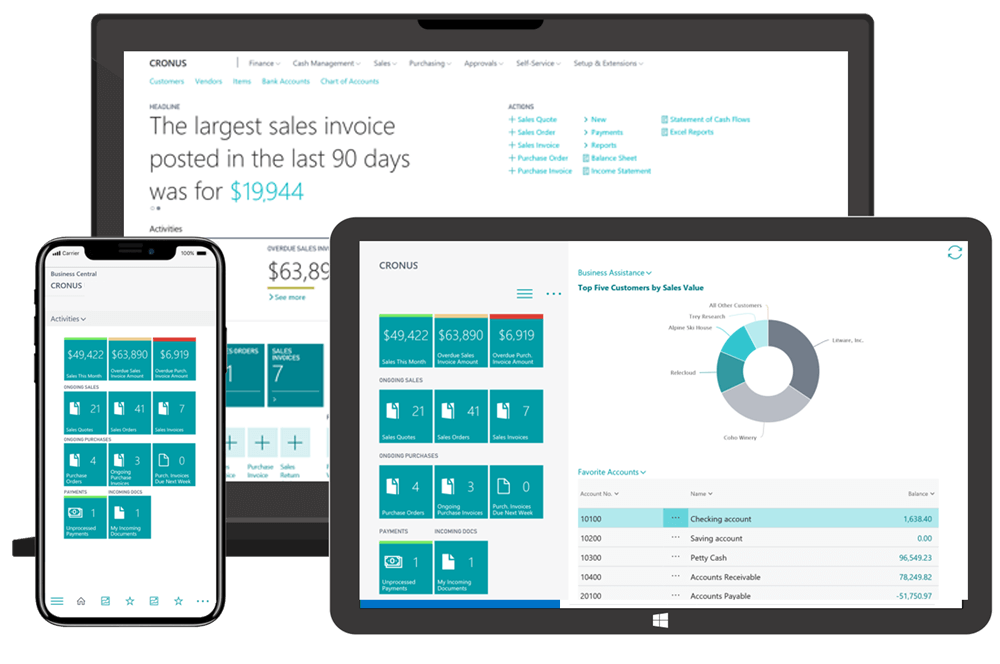
dynamics 365 sales screen on a range of devices

microsoft sales agents

Use Case Guide: AI Sales Agents in Business Central
A Smarter Way to Run Your Sales Team

AI agents in Business Central handle the time-consuming work so your sales team can focus on selling. No complex setup. No separate tools. Just practical automation that works alongside your team from day one.

Find out how sales agents can help:

Sales leaders and directors
Sales reps and account managers
Sales operations and administrators

How We Implement Dynamics 365 Sales

We follow a four-stage methodology: Inspect, Design, Empower, Activate. 

Inspect

We start by understanding your sales process from end to end. We run workshops with your sales leaders, reps, and any other people who interact with the CRM.

We look at how you currently manage leads, track opportunities, handle follow-ups, and report on performance. From this, we build a Functional Requirements Document that captures exactly how your system should be configured. You sign it off before we move on.

Design

With requirements agreed, we begin building your solution. This covers system configuration, any custom development, third-party integrations, and data migration from your existing spreadsheets or CRM.

We set up a test environment so nothing touches your live data. Once everything is built, we run an end-to-end test against your requirements document and resolve any issues before proceeding.

Empower

We train your team on the system they will actually be using, not a generic demo environment. We use a train-the-trainer approach to make sure the right people get the right level of training.

After training, your team carries out User Acceptance Testing. You work through your real sales scenarios and confirm the system does what you need. When you are satisfied, we build a detailed Go Live Plan covering every task, date, and owner.

Activate

We deploy the final solution to your production environment, complete the data migration, and confirm all integrations are live. Your team goes live with Tecvia on hand throughout the transition.

After go-live, we hold a Project Closure meeting to review the delivery and agree any next steps.

Start Selling More and Administrating Less

If your team is losing time to manual tasks or struggling to see what is actually in your pipeline, Dynamics 365 Sales will fix that. Get a free assessment from Tecvia. We will look at your current setup and show you exactly how the system would work for your business. 

FAQ

To help you navigate our Dynamics 365 Sales page more effectively, we’ve complied answers to some of the most frequently asked questions. If you have any additional questions or need further clarification, please don’t hesitate to contact us!

Dynamics 365 Sales is Microsoft’s cloud-based CRM platform. It helps sales teams manage leads, track opportunities, automate tasks, and forecast revenue. The system includes AI features that score leads, provide conversation insights, and recommend next actions. 

Sales Professional starts at around £50 per user per month. Sales Enterprise costs approximately £80 per user per month. Sales Premium pricing depends on your requirements. Implementation costs vary based on your setup. Contact us for a detailed quote. 

A typical implementation takes 8 to 12 weeks. This covers discovery, configuration, data migration, testing, and training. Simpler deployments can complete faster. Complex customisations or integrations may take longer. 

Yes. The platform connects to Microsoft 365, Outlook, Teams, and Power BI by default. It also integrates with marketing automation tools, accounting software, ERP systems, and other business applications through Power Automate or custom APIs. 

No. The interface works inside tools your team already uses, including Outlook and Teams. We provide full training during implementation. Your team can manage leads, update opportunities, and log activity without any technical background. 

Yes. The mobile app lets your team access customer data and update records without an internet connection. Changes sync automatically when they reconnect. This is particularly useful for field sales teams who visit customer sites. 

We migrate your data from spreadsheets, existing CRMs, or other systems into Dynamics 365 Sales. We clean and structure the data during migration, so your team starts with a complete and accurate customer history from day one. 

Sales Professional includes essential CRM features for managing contacts, leads, and opportunities. Sales Enterprise adds advanced customisation, forecasting, and limited AI capabilities. Sales Premium includes the full AI feature set, including conversation intelligence, relationship insights, and the complete Sales Accelerator. 

Yes. Microsoft offers a 30-day free trial. We can also arrange a personalised demonstration to show you how the system would work for your specific business. Get in touch via tecvia.co.uk/contact-us-tecvia/ to arrange one. 

For anything not covered here, get in touch directly. We’re happy to answer questions specific to your business and your Dynamics 365 Sales needs.